Table of Contents
What AI Marketing Platforms Are
One workspace for paid media, not another dashboard
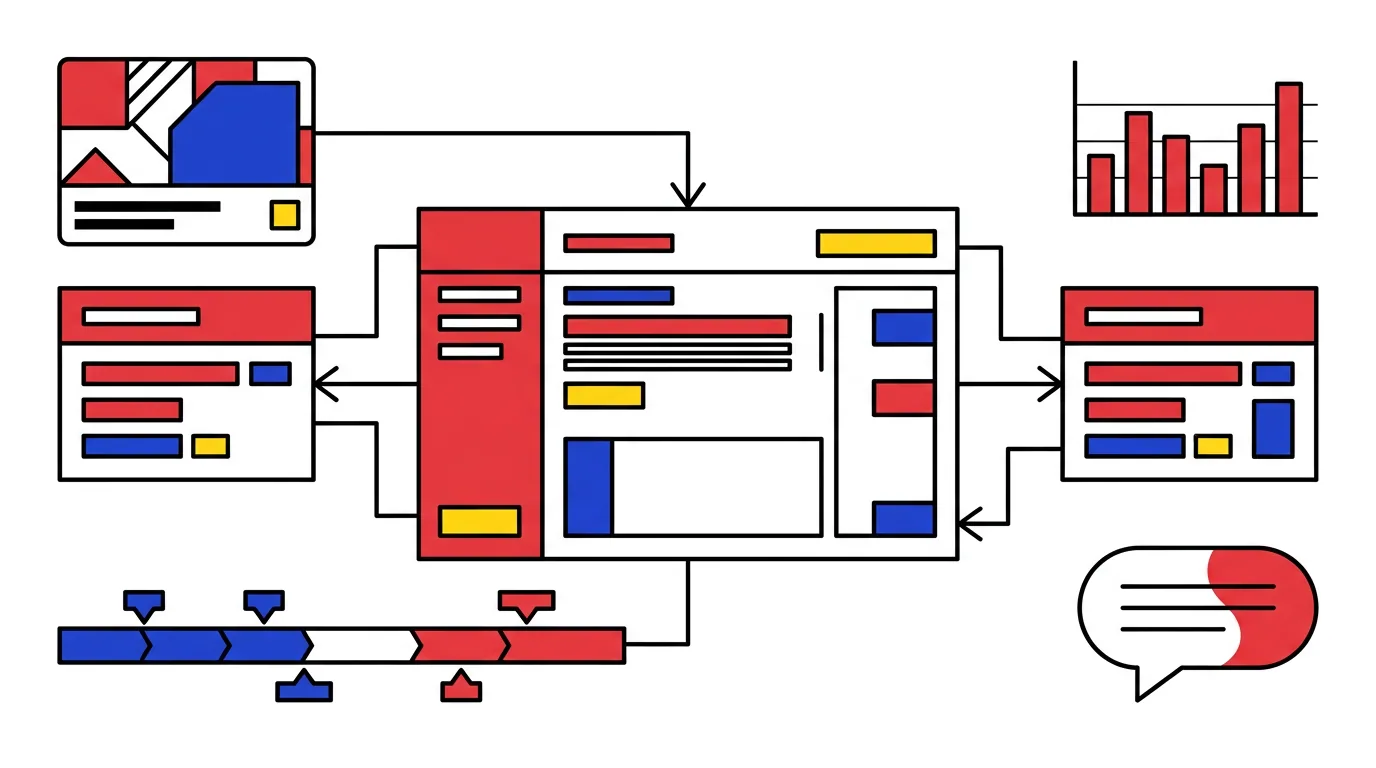
An AI marketing platform is software that sits on top of ad accounts such as Google Ads and Meta Ads and takes over the routine parts of paid media: writing and resizing creatives, building campaigns from a brief, watching spend and results around the clock, and answering questions about the account in plain language. AdBid, an AI marketing platform for Google and Meta, is used as the worked example; its AI media buying platform page shows how the four families look inside one product.
Who it is for
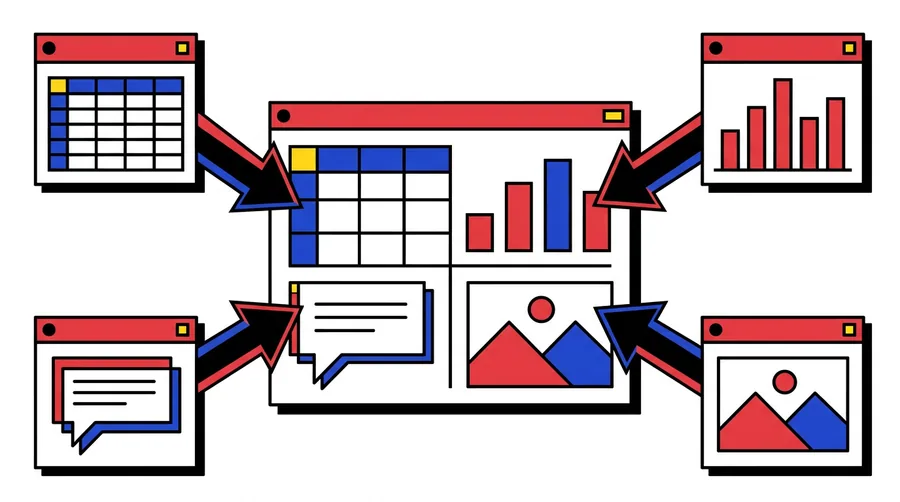
In-house growth teams and agencies that launch campaigns weekly, manage more than one ad account and report to a client or a finance team. If one person runs one account once a month, the native interfaces are usually enough.
What it replaces
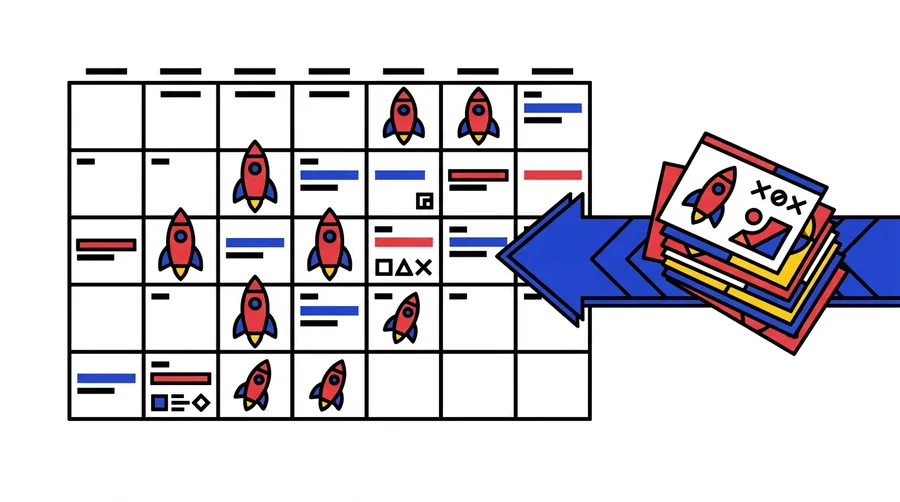
The spreadsheet for bulk edits, the script for pacing, the reporting deck rebuilt every Monday and the design queue for ad variations. A good platform removes the copy-paste between those tools rather than adding a fifth one.
What it does not replace
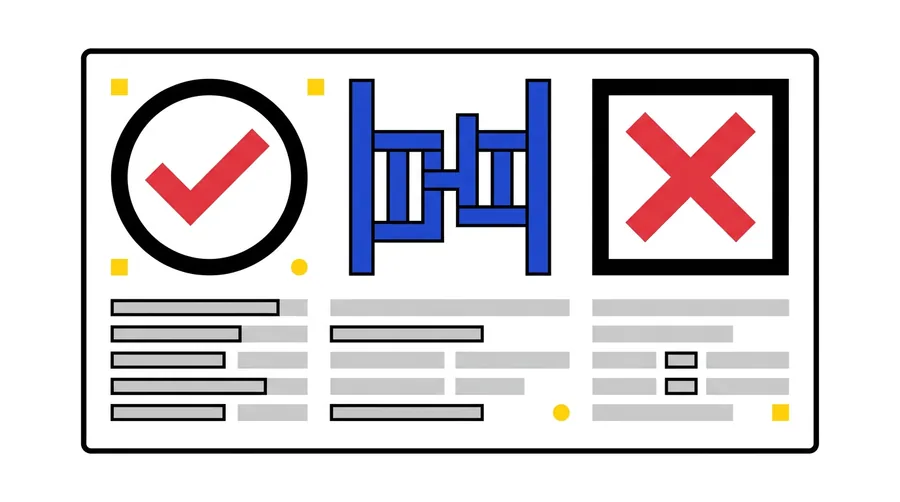
Judgement. The budget owner still decides where money goes; the platform proposes, logs and executes within limits that a person sets.
AI Marketing Platform Categories & Workflows
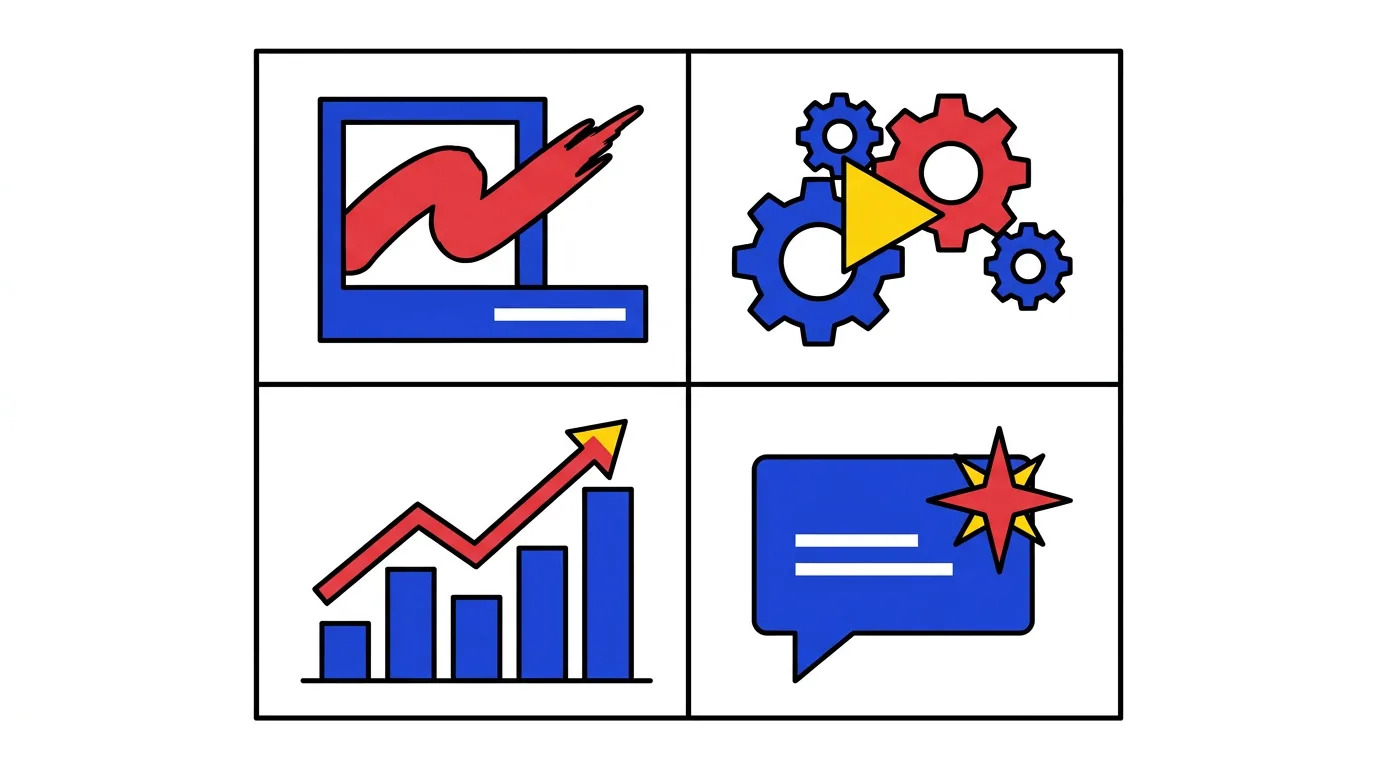
Creative generation
Produces ad copy, images and video variations from a product page or a short brief, then resizes them for each placement. Check whether brand rules can be locked.
Campaign automation
Builds campaigns, ad sets and ads from a brief or a sheet through the Google Ads API, applies naming rules, pauses losers and shifts budget between winners. Ask whether every change is previewed before going live.
Analytics and monitoring
Reads spend, conversions and cost per result across networks, flags anomalies such as a sudden drop in conversion rate or a disapproved ad, and pushes alerts instead of waiting for the weekly review.
AI assistants
A chat layer that answers questions about the account, drafts reports and explains why a number moved. Useful when it cites the underlying data.
Preview and approval
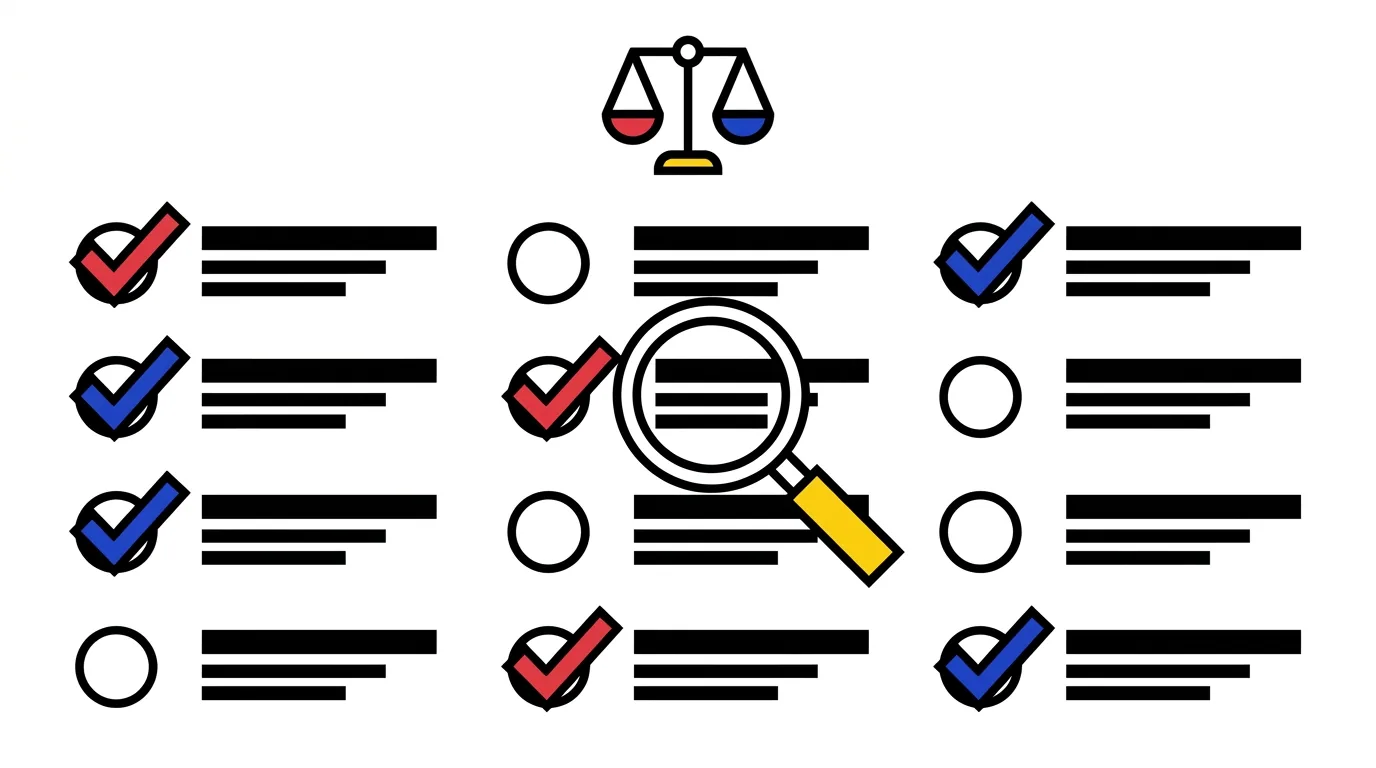
Ask to see a proposed campaign or bid change before it is applied. Some platforms show a full diff with reasons; others apply changes and report afterwards.
One definition of a conversion
Google and Meta count results differently. Check whether the platform reconciles them so that budget decisions across networks use the same numbers, and whether you can still see the raw figures per network.
Change log and rollback
Every automated action should be listed with what triggered it and be reversible in one step. Without this, a pilot cannot be audited and an incident cannot be traced.
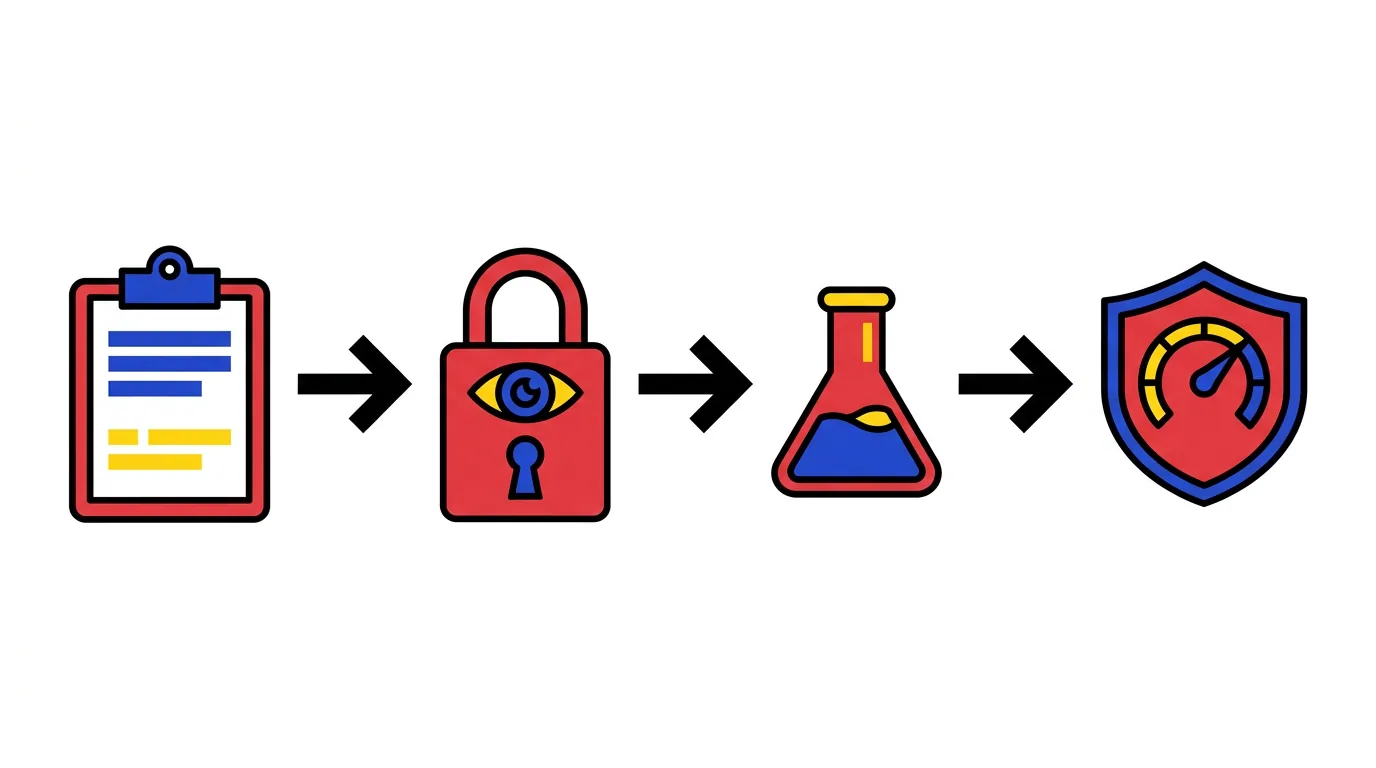
1. Audit the manual work
List every recurring task: launches, creative refreshes, bid and budget changes, reports. Note who does it and how long it takes. This list becomes the pilot scope.
2. Connect read-only
Grant read access first. Confirm that spend, conversions and campaign structure match the native interface for two weeks before any write scope is enabled.
3. Pilot one workflow with approvals
Choose a single job, for example weekly campaign launches from a brief, and let the platform propose. Approve each change and compare the outcome with your manual baseline.
4. Expand with guardrails
Move proven workflows to guarded automation with spend caps, change limits and alerts. Keep the audit log and review it monthly with the budget owner.
Which networks and which objects?
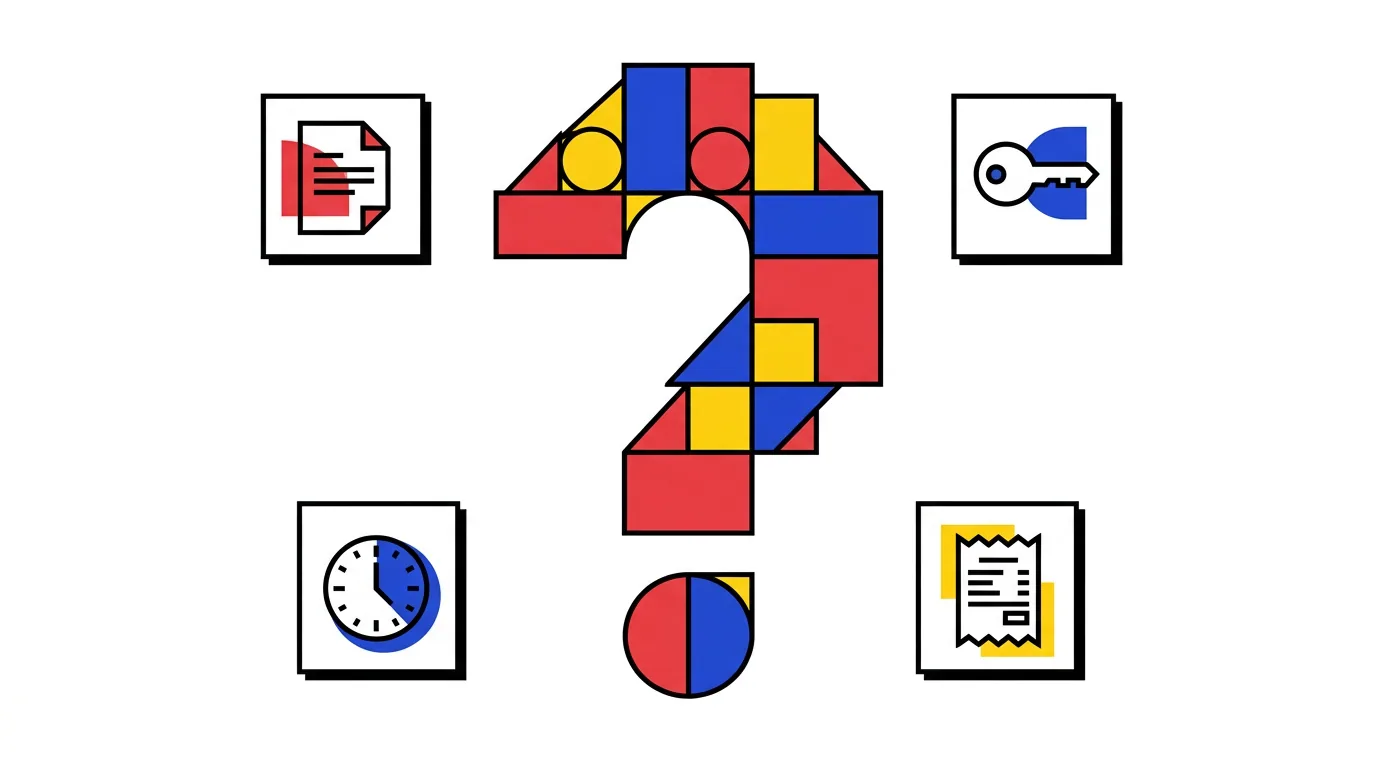
Does the platform read and write campaigns, ad sets and ads on both Google Ads and Meta Ads through the Meta Marketing API, or only report on them? Partial coverage brings the spreadsheet back.
What happens when the model is wrong?
Ask for the failure path: how a poor recommendation is caught, who is alerted, how fast a change can be reversed and whether a spend cap would have stopped it.
Where does the data live?
Check which account data is stored, for how long, and whether creatives you generate are used to train models for other customers.
Where AdBid Fits
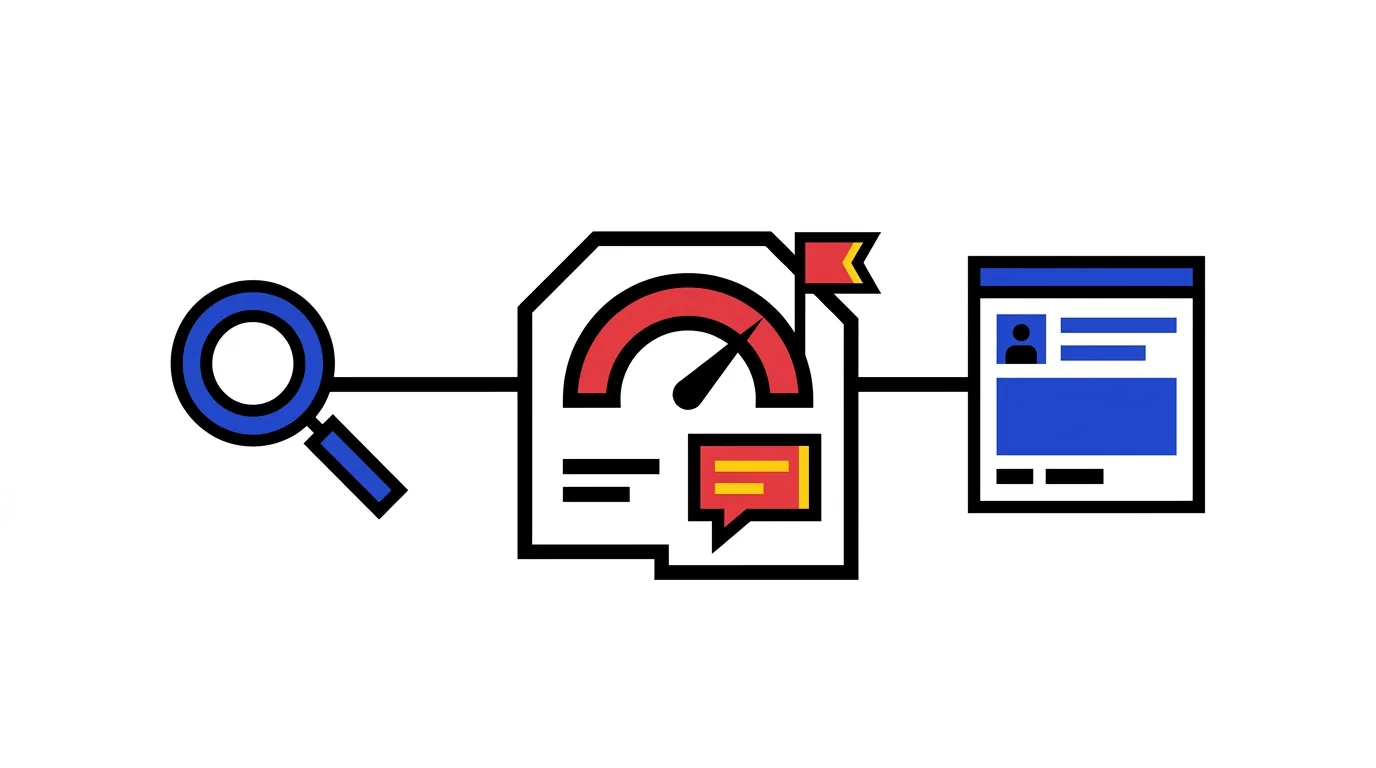
AdBid is an AI advertising platform that connects Google Ads and Meta Ads in one workspace. It builds campaigns from a brief, monitors spend around the clock, flags anomalies and includes an AI assistant that answers questions about the account. Changes go through preview and approval before they reach the ad account.
 AI advertising platform comparison: AdBid vs other tools
Operating Levels for AI Marketing Platforms
Instead of pricing tiers, think about how much the platform may change on its own. Most teams move through four levels, and a good product lets each workflow sit at a different one.
Observe. Read-only access. The platform reads spend, conversions and structure, shows dashboards and sends alerts. Nothing in the account changes.
Recommend. The platform proposes creatives, campaigns, bids or budget shifts with reasons. Nothing happens until someone accepts, and every proposal is logged.
Approve. Approved workflows run automatically within limits: spend caps, change limits, alerts on exceptions. Anything outside the limits waits for a person.
Automate. Proven workflows run on their own, reserved for tasks with clear rules such as scheduled launches and pauses, with a monthly audit of the change log.
AI Marketing Platforms: Frequently Asked Questions
An AI marketing platform is software that connects to ad accounts and automates routine paid media work: generating creatives, building campaigns from a brief, monitoring spend and results, and answering questions through an assistant. It works through the Google Ads and Meta Ads APIs to read data and, when allowed, to make changes.
The terms overlap. Advertising platform usually means paid channels such as Google Ads and Meta Ads; marketing platform is sometimes used more widely to include email or content. For paid media the checklist on this page applies to both.
No. The native tools remain the source of truth and the place for one-off edits. A platform takes over the recurring jobs: weekly launches, creative refreshes, pacing, anomaly checks and reporting across both networks.
With guardrails, yes. Start read-only, move to proposals with approval, then allow guarded automation with spend caps and change limits. Insist on a full change log and one-step rollback before any write scope is granted.
Plan for about two weeks read-only to confirm the numbers match the native interface, then two to four weeks of one workflow running with approvals, compared against a manual baseline.
AdBid is an AI advertising platform that connects Google Ads and Meta Ads in one workspace. It builds campaigns from a brief, monitors spend 24/7, flags anomalies and includes an AI assistant that answers questions about the account. Every change goes through preview and approval, which places it in the campaign automation, analytics and assistant categories at the Recommend and Approve levels.